

10. Available Video Walkthroughs
The following video walkthroughs provide visual guidance for core platform functionalities and configuration steps:
-
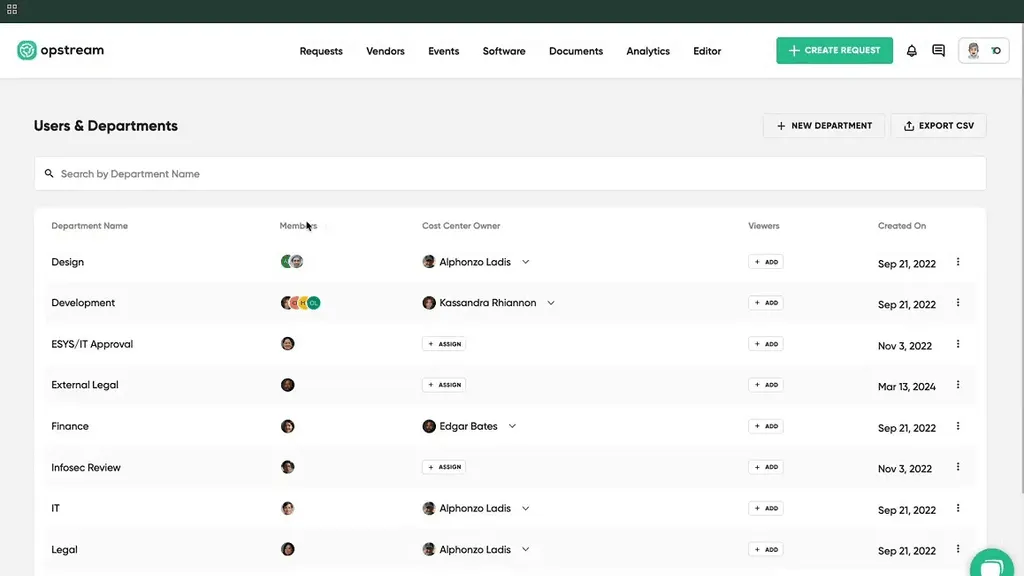
How to Profile & Administration
Covers managing personal accounts and Admin settings (Users, Roles, Security).
-
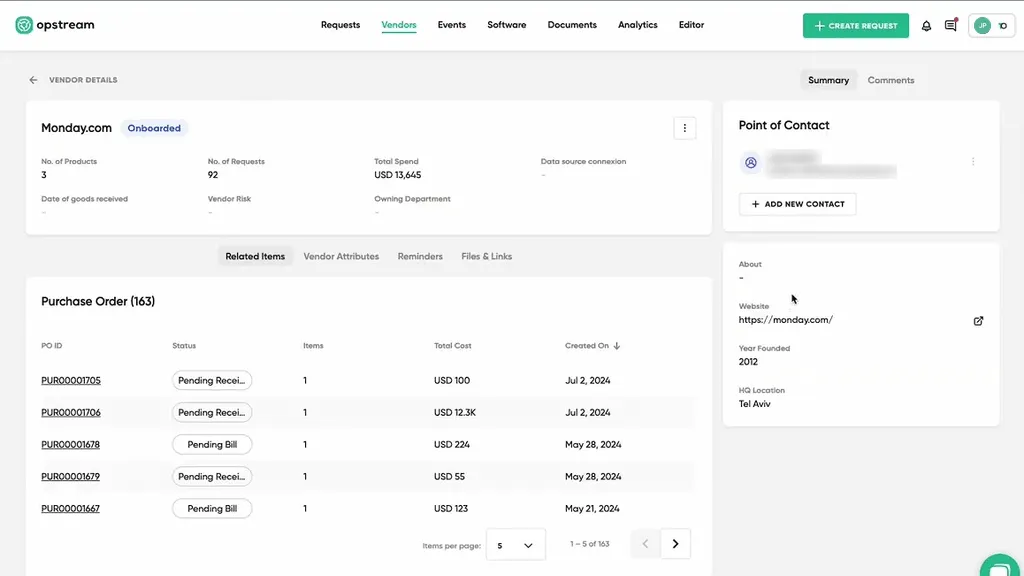
Navigating vendor records, filters, and detailed views.
-
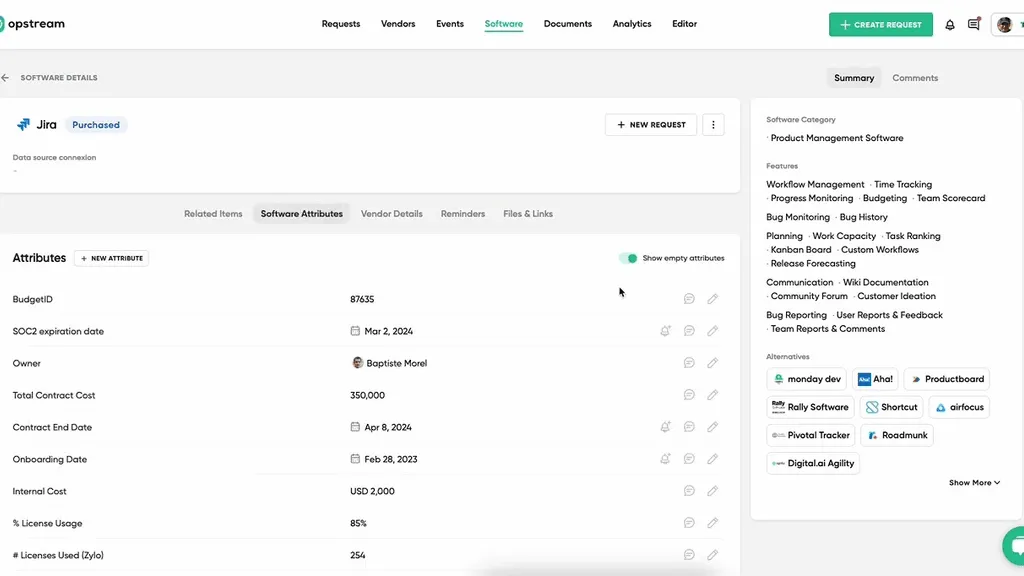
Managing the software catalog, viewing product details, and tracking statuses.
-
Step-by-step guidance on initiating a workflow.
-
Instructions for managing tasks in the Approvals queue.
-
Overview of creating and managing schemas in the Editor.
-
How to Create and Editing Schema Questions (Q-Cards)
Details on customizing forms and applying conditional logic.
-
How to Configure Approver Settings
Building the approval workflow sequence (Assign Only If, Target Time, etc.).
-
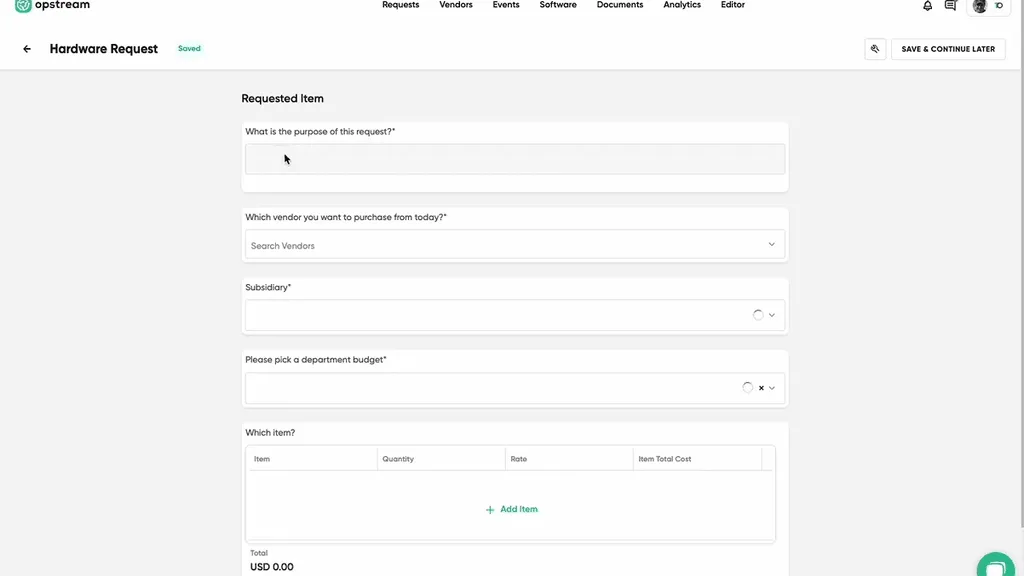
How to Request Inventory Items from your ERP and PO generation
-
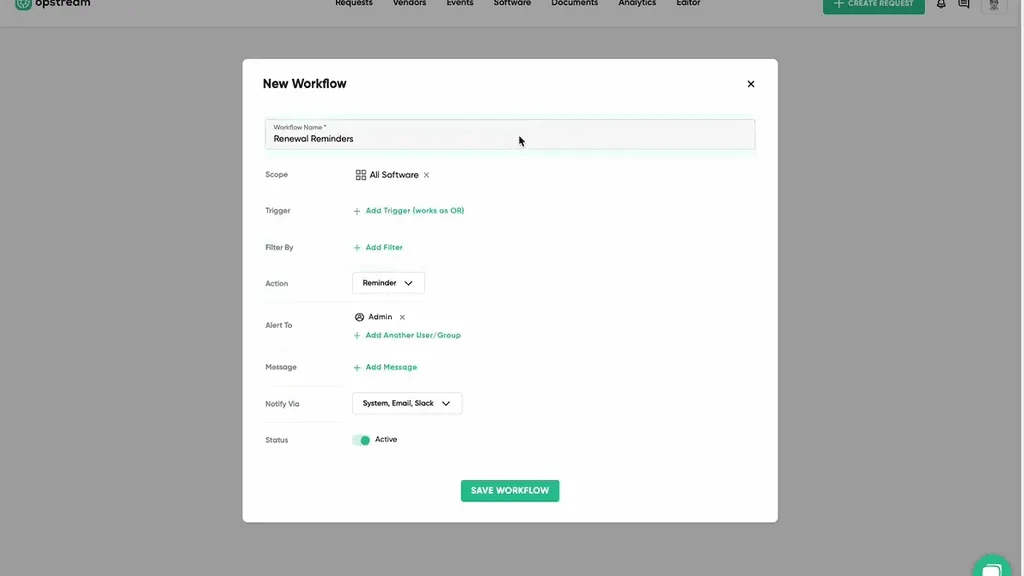
How to create workflows - Renewal Reminders
Setting up proactive reminders and automated requests based on date attributes.
This site uses anonymous analytics to work out which pages are useful. Visits are not tied to anyone, and nothing you type is recorded. See the Opstream privacy policy.